The 12 Best Workflow Automation Software Platforms for 2026
SynthAI Team
Content Team
Your team is likely wasting hours every week on repetitive, manual tasks. From copying customer data between spreadsheets and your CRM to manually updating inventory on your Shopify store after an Amazon sale, these small tasks add up. They drain productivity, introduce human error, and ultimately cost your business money that could be better spent on growth. This isn't about working harder; it's about working smarter.
The right workflow automation software connects the apps you already use, creating seamless, automated processes that run 24/7 in the background. Imagine a new lead from a Facebook Ad automatically creating a contact in your CRM, adding them to an email sequence, and notifying your sales team in Slack, all without a single click. That’s the power of automation.
This guide cuts directly to the chase, providing a detailed breakdown of the best workflow automation software available today. We've gone deep on each platform, analyzing key features, pricing, and ideal use cases for e-commerce brands, marketing agencies, and SaaS companies. You'll find honest pros and cons, screenshots to show you exactly how each tool works, and direct links to get started.
We will cover a range of powerful options, from user-friendly tools like Zapier and Make to more advanced platforms like Workato and Tray.io, and even specialized solutions like our own, SynthAI. Our goal is to give you the clarity needed to select the perfect platform that fits your specific technical skills, operational needs, and budget. Let's find the right tool to reclaim your team’s time.
1. SynthAI
SynthAI earns its top spot by fundamentally rethinking what workflow automation software can be. Instead of just connecting apps, it provides a coordinated AI “business team” designed to manage core functions like marketing, sales, and operations. This approach is built around Nexus, a central AI coordinator that interprets natural-language requests and delegates tasks to specialized AI assistants.
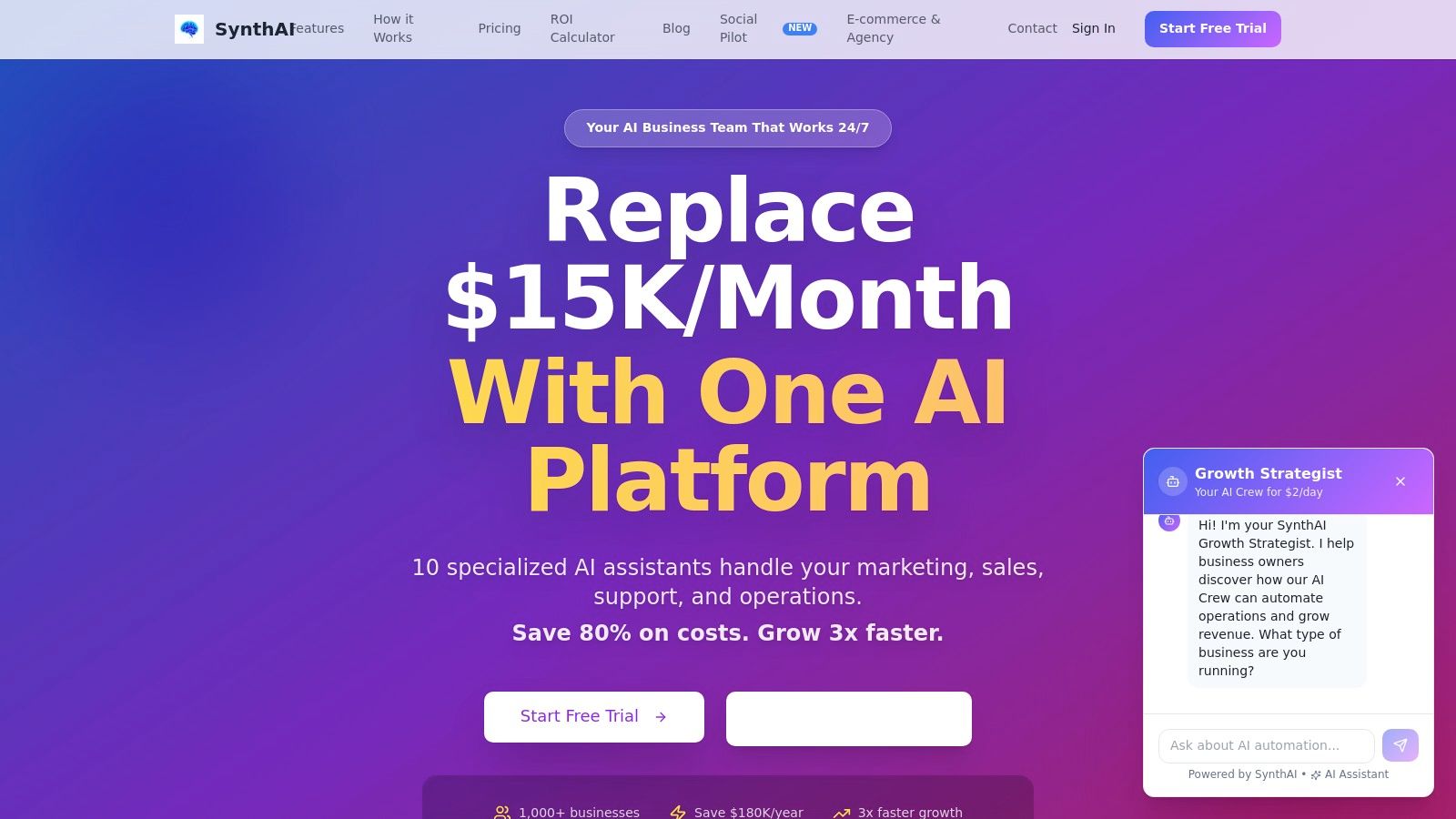
For an e-commerce brand, this means you can ask it to "launch a flash sale for our top-selling product," and the system coordinates everything. Aura (the SEO & ads specialist) might prepare Google Ads copy, Lumen (the email expert) drafts an email sequence, and Echo (the social media assistant) schedules posts across platforms using its Social Pilot feature. This integrated execution, all from a single command, is a key differentiator from tools that require you to build each step of a workflow manually.
Key Features & Use Cases
- Coordinated AI Team: The platform includes 10 specialist AIs (for content, ads, social, support, etc.) led by Nexus, which breaks down complex goals into parallel tasks.
- Deep Integrations: It connects directly to business-critical platforms like Shopify, Google Ads, Meta, HubSpot, and WordPress, allowing the AI to act on real-time data. For instance, it can analyze Shopify sales data to recommend which products to feature in a new campaign.
- One-Click Content & Workflows: The system comes with pre-built workflows for common tasks like creating social media calendars, landing pages with its Basis assistant, and performance reports.
- Actionable Recommendations: SynthAI analyzes your connected data to deliver prioritized, one-click recommendations each morning, helping you focus on high-impact activities.
- Developer-Friendly Tools: Features like a visual debugger, two-way sync, and no-code workflow builders offer flexibility for more technical users.
> “SynthAI replaced my entire marketing agency — saving $8K/month.” - Sarah Chen, Customer Testimonial
Pricing and Access
SynthAI operates on a credit-based model with several tiers, making it accessible for different business sizes.
- Starter: Begins around $39/month for 1,000 credits.
- Pro: A popular choice at approximately $97/month for 5,000 credits.
- Ultimate & Enterprise: Custom plans are available for high-volume needs.
Promotions often include a 7 or 14-day free trial without a credit card. Add-ons, such as high-definition video generation with the Visio assistant, are available. Its security is robust, with SOC 2 compliance and enterprise-grade controls.
Pros & Cons
| Pros | Cons |
|---|---|
| All-in-one AI team replaces the need for multiple tools and freelancers, offering significant cost savings. | AI-generated content still requires human review, especially for brand nuance or complex topics. |
| Fast setup and deep integrations allow the AI to immediately act on real business data. | The credit-based system and add-on costs can make predicting the total monthly expense difficult for high-volume users. |
| Pre-built workflows and the Social Pilot feature accelerate content production across multiple formats and platforms. | |
| Real-time analytics track revenue impact, MRR, and churn, tying automation directly to business KPIs. | |
| Flexible pricing tiers allow businesses to scale from a solo founder to a full enterprise. |
Website: https://www.getsynthai.com
2. Zapier
Zapier is a dominant force in the no-code automation space, often considered the default starting point for connecting disparate SaaS applications. It’s recognized as one of the best workflow automation software options due to its massive library of over 8,000 app integrations and an intuitive, step-by-step workflow builder. For teams that need to quickly automate tasks like adding new email subscribers to a CRM or posting social media updates from a spreadsheet, Zapier offers an exceptionally fast implementation path.
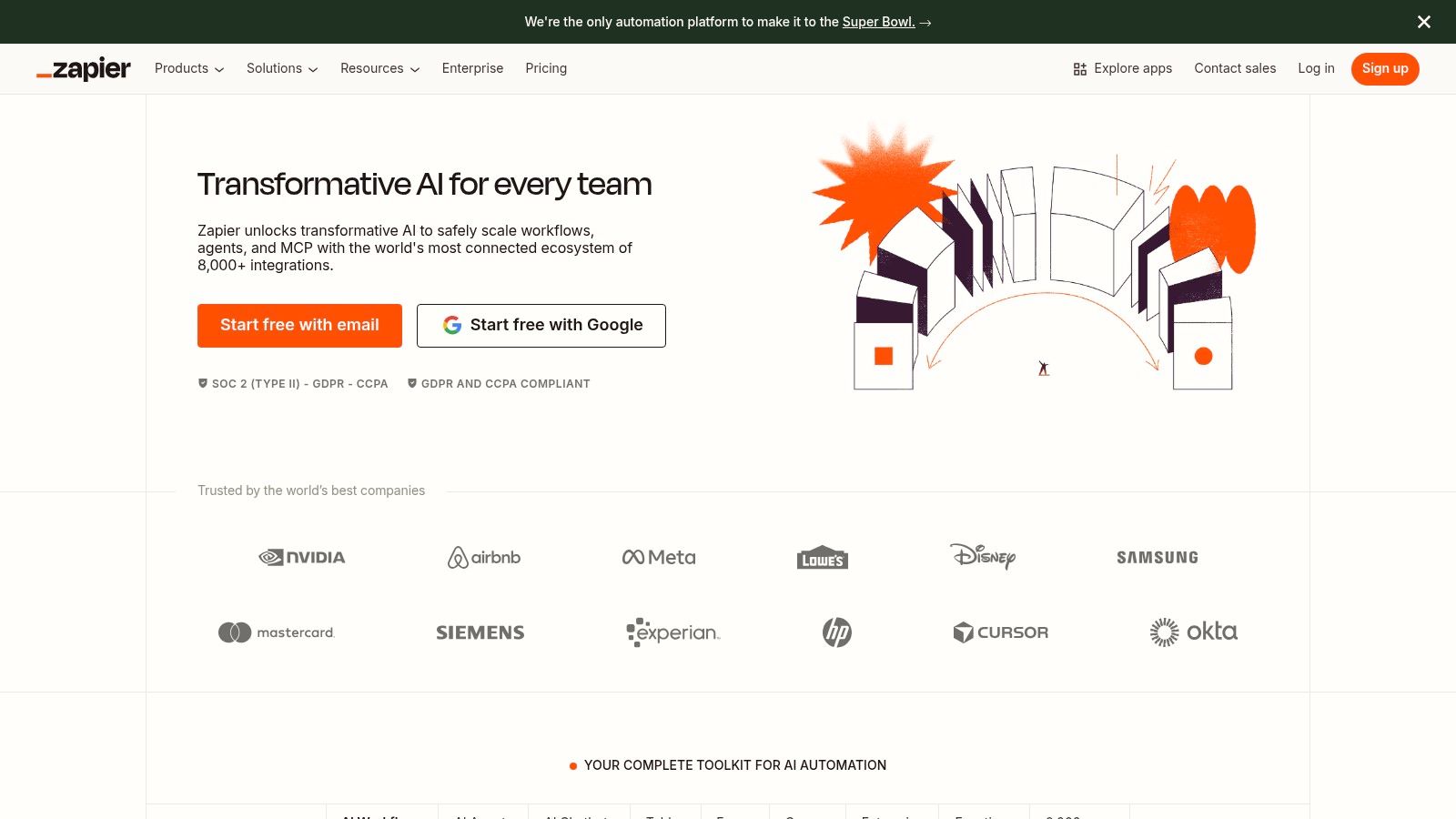
The platform’s strength lies in its simplicity and breadth. A marketing agency can connect a client’s lead form directly to Slack, a Google Sheet, and Mailchimp in minutes without writing code. This immediate connectivity is Zapier’s core value proposition.
> Key takeaway: Zapier is ideal for teams needing the widest possible app support and a straightforward, linear workflow builder for immediate results. Its user interface is clean, making it accessible for non-technical users.
Pricing and Core Features
Zapier’s pricing is based on a task model, where a "task" is a completed action in a workflow, called a "Zap."
- Free Plan: Offers 100 tasks/month for single-step Zaps.
- Starter: From $19.99/month (billed annually) for multi-step Zaps and 750 tasks.
- Professional: From $49/month for unlimited Zaps and 2,000 tasks, adding features like Paths for conditional logic.
- Team & Company: Custom pricing provides advanced admin controls, shared app connections, and enterprise-grade security.
A key drawback is that high-frequency workflows, such as syncing product inventory every minute, can become very expensive. However, its built-in Tables and Forms tools offer a way to store data and trigger workflows without consuming tasks, which is a significant cost-saving benefit. For complex logic, you might need to use its Code by Zapier step or webhooks, which can introduce a steeper learning curve.
Website: https://zapier.com
3. Make (formerly Integromat)
Make (formerly Integromat) stands out as a powerful, visual-first platform for users who need to build intricate, multi-layered workflows. It is frequently cited as one of the best workflow automation software choices for its unparalleled control over data manipulation and scenario logic. Unlike linear builders, Make's canvas allows you to branch, merge, and filter data streams with precision, making it a favorite for complex data-heavy tasks like ERP-to-e-commerce syncs or multi-stage marketing funnels.
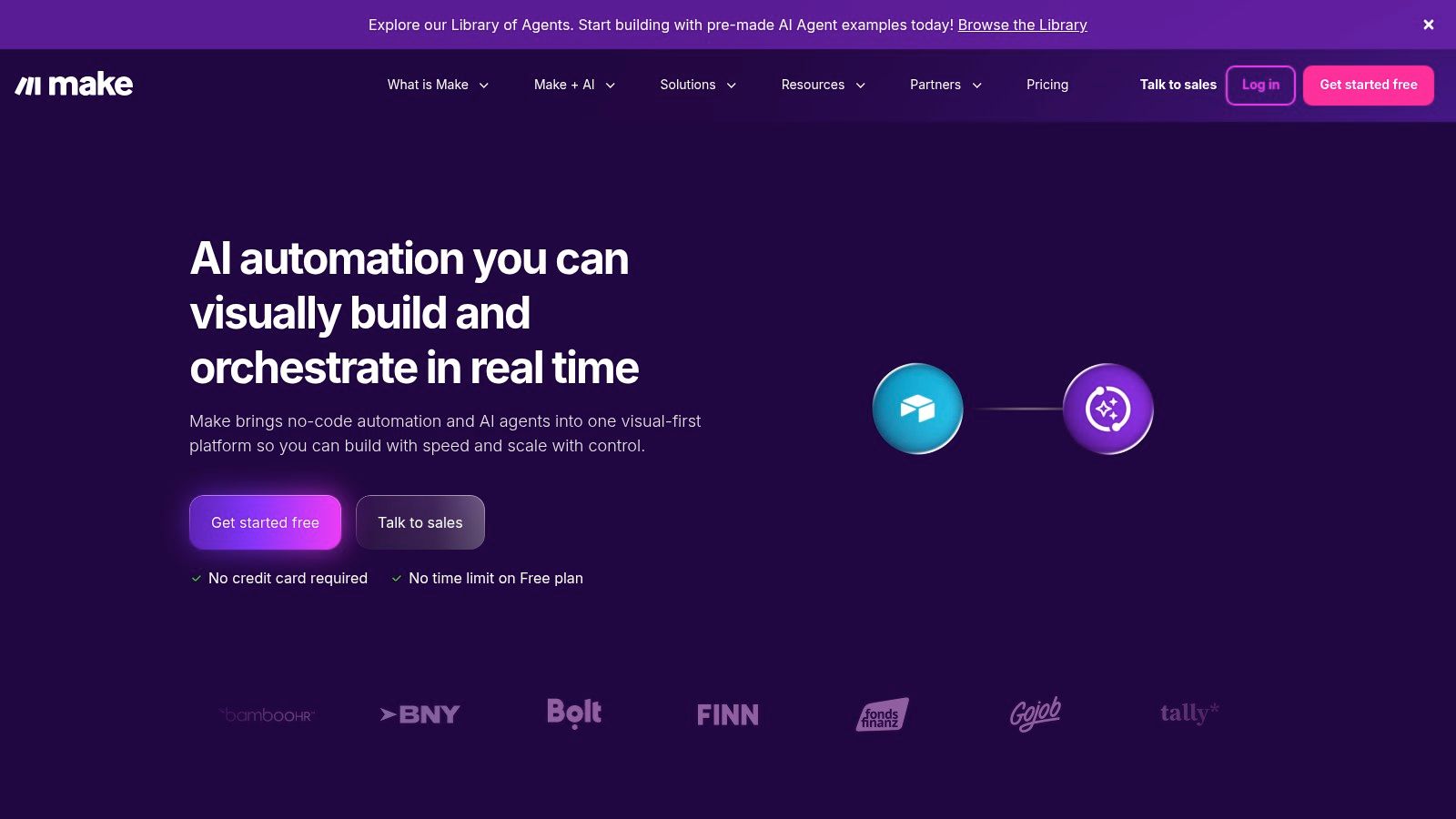
The platform’s core strength is its visual scenario editor, which lets you drag-and-drop apps and connect them with routers, iterators, and aggregators. A SaaS company, for instance, could build a workflow that listens for a new trial signup, enriches the lead with Clearbit, waits three days, and then routes the contact into different email sequences based on their in-app activity.
> Key takeaway: Make is perfect for technical users and teams requiring deep control over data flow, error handling, and complex conditional logic. Its visual interface provides a clear map of even the most sophisticated automations.
Pricing and Core Features
Make uses a credit-based pricing model, where an "operation" is an action performed by a module in your scenario. This can be more cost-effective for high-frequency tasks compared to a per-task model.
- Free Plan: Includes 1,000 operations/month for two active scenarios.
- Core: Starts at $9/month (billed annually) for 10,000 operations and unlimited active scenarios.
- Pro: From $29/month, adding priority scenario execution and full-text search in execution logs.
- Teams & Enterprise: Custom pricing provides advanced features like on-premise agents, SAP access, and dedicated support.
The primary drawback is the learning curve; understanding how operations are counted and optimizing scenarios to minimize credit usage requires some initial effort. However, with over 3,000 apps and minute-level scheduling, Make offers incredible flexibility. Its ability to run custom code via JavaScript or Python in the `Make Code App` also provides a way to extend its functionality beyond pre-built integrations.
Website: https://www.make.com
4. n8n
n8n offers a unique proposition in the automation market as a source-available platform, giving it a strong appeal for developers and privacy-conscious organizations. It provides the flexibility to self-host on your own infrastructure (like Docker or a private server) or use its managed cloud service. This control over data and execution environment makes it a standout choice for teams that need to integrate with internal systems or meet strict compliance requirements.
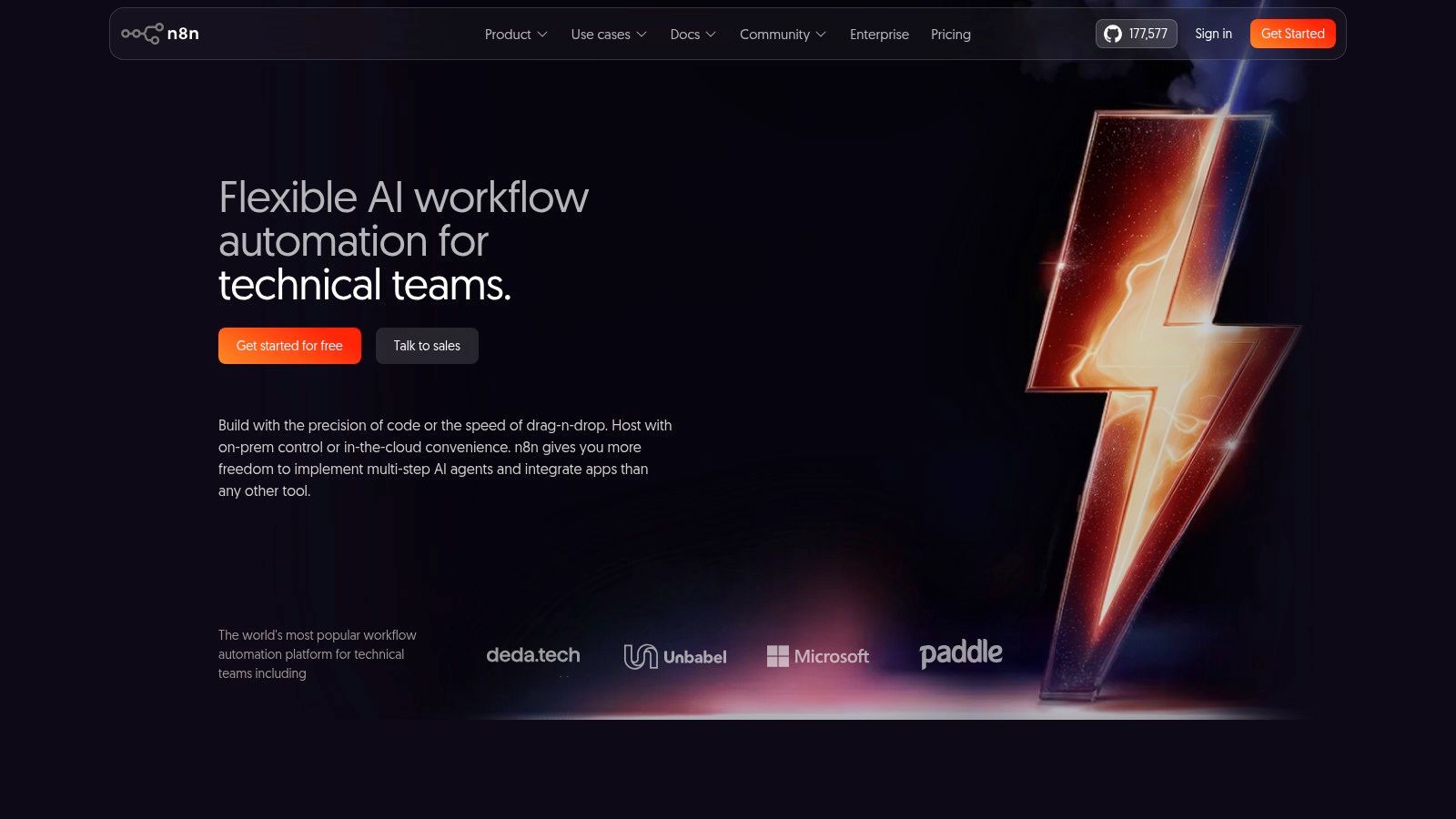
The platform is built around a powerful node-based visual editor that allows for complex, multi-path workflows that go beyond simple linear sequences. This makes it one of the best workflow automation software options for technical users who need to process large data sets, run custom code snippets, and build intricate conditional logic without the task-based pricing constraints of other tools.
> Key takeaway: n8n is perfect for technical teams and companies that prioritize data privacy, control, and cost predictability. Its self-hosting option and execution-based pricing are ideal for high-volume or complex automations.
Pricing and Core Features
n8n’s pricing is based on workflow executions, not individual tasks, which can be significantly more cost-effective for complex flows.
- Self-Hosted: Free for unlimited users and workflows under its Sustainable Use License, with community support. You are responsible for server costs and maintenance.
- Starter (Cloud): From $20/month for 2,500 workflow executions and core features.
- Pro (Cloud): From $50/month for 10,000 executions, adding features like concurrency controls and workflow insights.
- Enterprise: Custom pricing for advanced security (RBAC), dedicated support, and on-premise deployment options.
The main drawback is the operational overhead associated with self-hosting; it requires technical knowledge to set up and maintain. While its cloud version removes this burden, some of the most advanced enterprise features and dedicated support are reserved for higher-priced tiers.
Website: https://n8n.io
5. Workato
Workato positions itself as an enterprise-grade iPaaS (Integration Platform as a Service) designed for complex, cross-departmental automation. It goes beyond simple trigger-action workflows by combining integration, API management, and agentic orchestration into a single platform. This makes it one of the best workflow automation software choices for large organizations requiring strong governance, security, and scalability for their mission-critical processes.
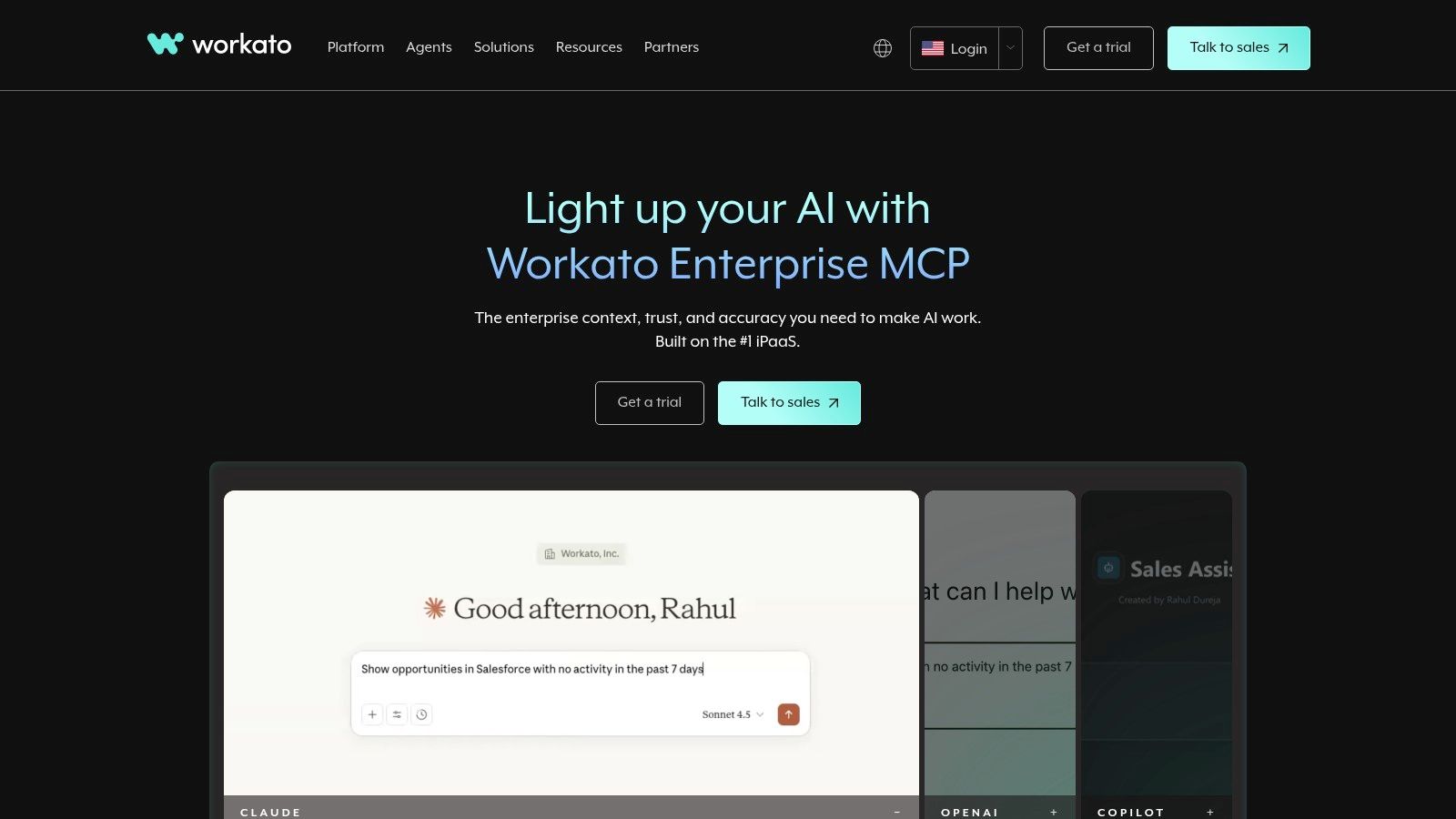
The platform’s automations, called "Recipes," can handle intricate logic involving multiple applications and data sources. An e-commerce enterprise could use Workato to build a real-time inventory management system that syncs data between their ERP, Shopify, and multiple warehouse management systems, all while adhering to strict security protocols.
> Key takeaway: Workato is built for businesses that need to consolidate their automation stack. Its focus on security, compliance, and lifecycle management makes it ideal for enterprise use cases where simple connectors are not enough.
Pricing and Core Features
Workato uses a usage-based pricing model that is not publicly listed and requires sales engagement. It’s structured around platform editions that unlock more advanced features.
- Platform Editions: Tiers like Standard, Business, Enterprise, and Workato ONE offer progressive capabilities. The higher tiers provide features for full lifecycle management, advanced security, and greater scalability.
- Agentic Capabilities: Workato is expanding into AI-driven orchestration with features like Workato GO, which assists in building and managing automations.
- Unified Platform: It reduces vendor sprawl by including tools for integration, API management, data handling (IDP), and multi-capability orchestration.
The primary drawback is that its powerful feature set and sales-assisted pricing model can be excessive for small teams or simple automation needs. The platform's complexity means there is a steeper learning curve compared to more straightforward tools.
Website: https://www.workato.com
6. Microsoft Power Automate
For organizations deeply embedded in the Microsoft ecosystem, Microsoft Power Automate is a natural and powerful choice. As a key component of the Power Platform, it combines cloud-based application automation (DPA) with robust desktop automation (RPA) capabilities. It stands out as one of the best workflow automation software options for its native integration with Microsoft 365, Dynamics 365, SharePoint, and Azure, providing a secure and governed environment for automating business processes.
Its strength is the seamless connection between familiar office tools and powerful backend services. For example, an operations team can automate invoice processing by triggering a flow when a new email with an attachment arrives in an Outlook inbox, extracting data using AI Builder, and saving the information directly into a SharePoint list or Dynamics 365.
> Key takeaway: Power Automate is the go-to solution for companies standardized on Microsoft products, offering deep, first-party integration and combining both app and desktop automation under one license.
Pricing and Core Features
Microsoft’s licensing can be intricate, with options based on users, flows, or bots.
- Per-user Plan: Around $15/user/month, this plan allows a single user to run unlimited cloud flows.
- Per-user Plan with Attended RPA: About $40/user/month, adding the ability for a user to run desktop flows on their workstation.
- Per-flow Plan: Starts at $100/month for five active cloud flows, available to unlimited users in the organization.
- Unattended RPA Add-on: Priced per bot, this allows desktop flows to run independently without human supervision.
The main advantage is its unification of DPA and RPA. However, the licensing model can be confusing to navigate and optimize for cost. While it excels within the Microsoft stack, connecting to non-Microsoft platforms often requires more complex setup with custom connectors or premium-tier features, posing a challenge for heterogeneous IT environments.
Website: https://www.microsoft.com/power-platform/products/power-automate
7. Tray.io (Tray.ai)
Tray.io is an intelligent iPaaS (Integration Platform as a Service) that brings enterprise-grade power to the low-code automation world. It's considered one of the best workflow automation software options for organizations needing robust, governed automations, particularly in revenue operations and product teams. With over 600 connectors and a powerful visual workflow builder, it handles complex, high-volume processes that might strain simpler tools. Its recent pivot to Tray.ai introduces Merlin, an AI agent builder that allows teams to deploy governed AI agents alongside traditional automations.
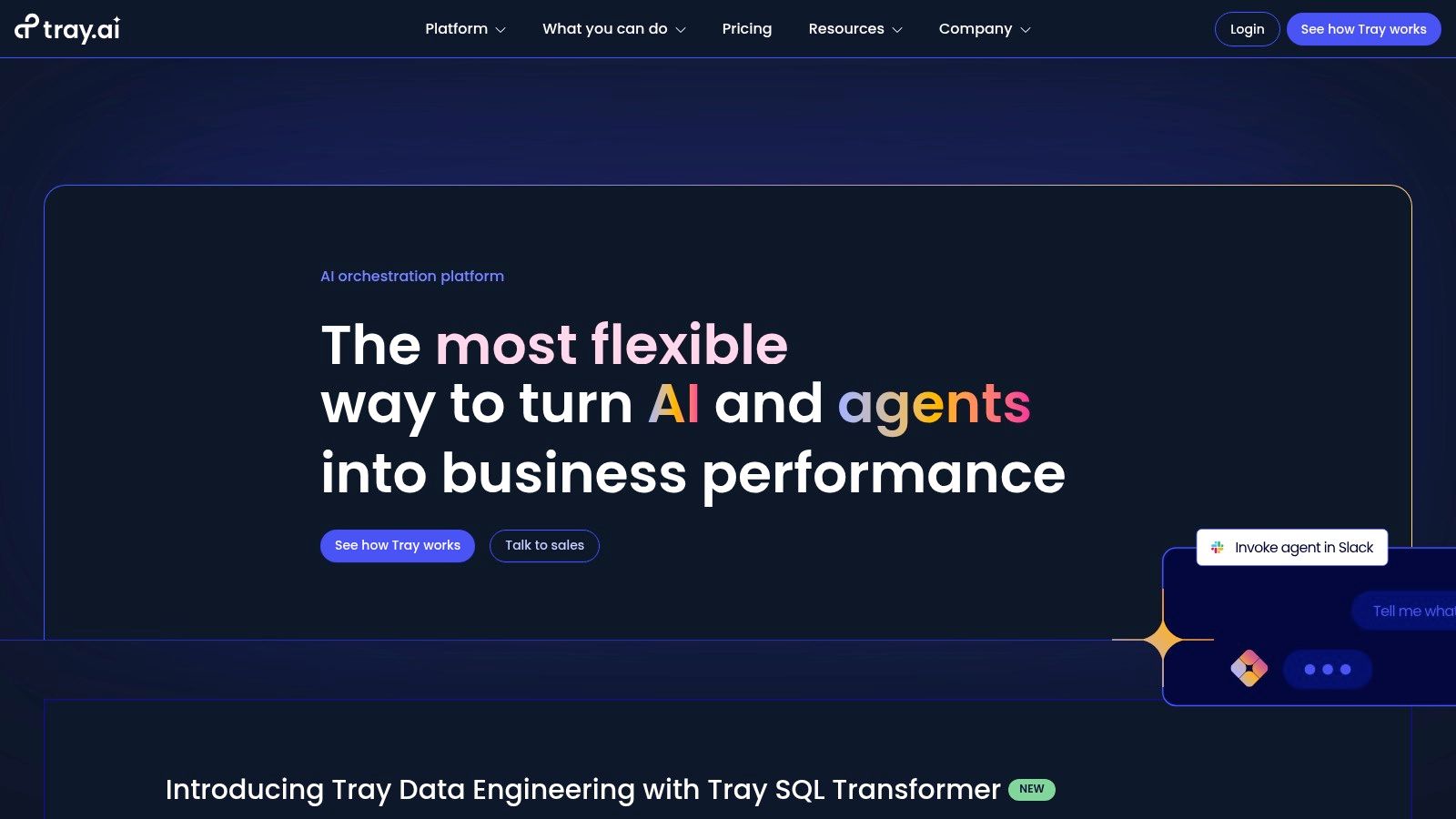
The platform is particularly strong in the SaaS space, where its embedded solution allows companies to build and offer customer-facing integrations and even full integration marketplaces directly within their products. This gives end-users self-serve automation capabilities, managed entirely through Tray’s backend.
> Key takeaway: Tray.io is built for scale and governance. It's the right choice for technical operations teams, RevOps, and SaaS companies that need to build sophisticated internal automations or offer embedded integrations to their own customers.
Pricing and Core Features
Tray.io does not offer public pricing; plans are customized through a sales process. It operates on a task-based usage meter similar to other platforms, with plans categorized by features and support levels.
- Pro, Team, & Enterprise Plans: Custom-quoted pricing provides access to a specific number of tasks, workspaces, and features like role-based access control, regional data hosting, and a connector builder SDK.
- Merlin Agent Builder: This new feature enables the creation of multi-surface AI agents that can interact across Slack, web interfaces, and APIs for completing complex, multi-step actions.
- Embedded Solution: A separate product line specifically for building and deploying customer-facing integrations, priced based on the number of end-user accounts.
The main drawback is the lack of transparent pricing, which requires a sales call to get started. Additionally, its task-based billing means that high-volume workflows require careful monitoring to manage costs effectively, a common challenge with enterprise iPaaS solutions.
Website: https://tray.ai
8. UiPath
UiPath is a giant in the Robotic Process Automation (RPA) world, now extending its reach into broader agentic automation. It excels at automating tasks involving legacy systems, on-premise software, and complex user interface (UI) interactions where traditional API-based tools fall short. For organizations needing to bridge the gap between modern cloud apps and older desktop software, UiPath represents some of the best workflow automation software available, blending robots, people, and APIs into a unified platform.
The platform's core strength is its enterprise-grade reliability and depth. A finance department, for example, can deploy a UiPath robot to log into an old accounting system, extract data from a PDF invoice using Intelligent Document Processing (IDP), and enter that data into a web-based ERP without any APIs. This capability for deep, UI-based automation is what sets it apart.
> Key takeaway: UiPath is built for large organizations with complex, mixed-environment processes that require robust governance and the ability to automate tasks on desktop applications and virtual machines.
Pricing and Core Features
UiPath’s pricing is primarily enterprise-focused and often requires direct sales contact for a custom quote, though it does offer accessible entry points for individuals and small teams.
- Free: Provides access to the Automation Cloud for individuals, including Studio Web and limited robot units.
- Pro: From $420/month (billed annually), it’s aimed at small teams and offers more robot capacity and access to tools like Document Understanding.
- Enterprise: Custom pricing unlocks the full platform, including on-premise Orchestrator, advanced AI models, process mining, and enterprise-level governance and security features.
A significant hurdle is the platform's complexity; its sheer breadth of tools from process mining to test suites can be overwhelming for smaller teams without dedicated IT support. While extremely powerful, unlocking its most valuable features, like advanced AI and large-scale orchestration, requires significant investment and enterprise licensing.
Website: https://www.uipath.com
9. Parabola
Parabola carves out a specific niche as a powerful data flow automation tool, making it one of the best workflow automation software options for e-commerce and operations teams. It is designed for non-engineers who need to unify, transform, and sync data from sources like Shopify, advertising platforms, and spreadsheets. Instead of triggering workflows based on single events, Parabola builds visual data pipelines that run on a schedule.
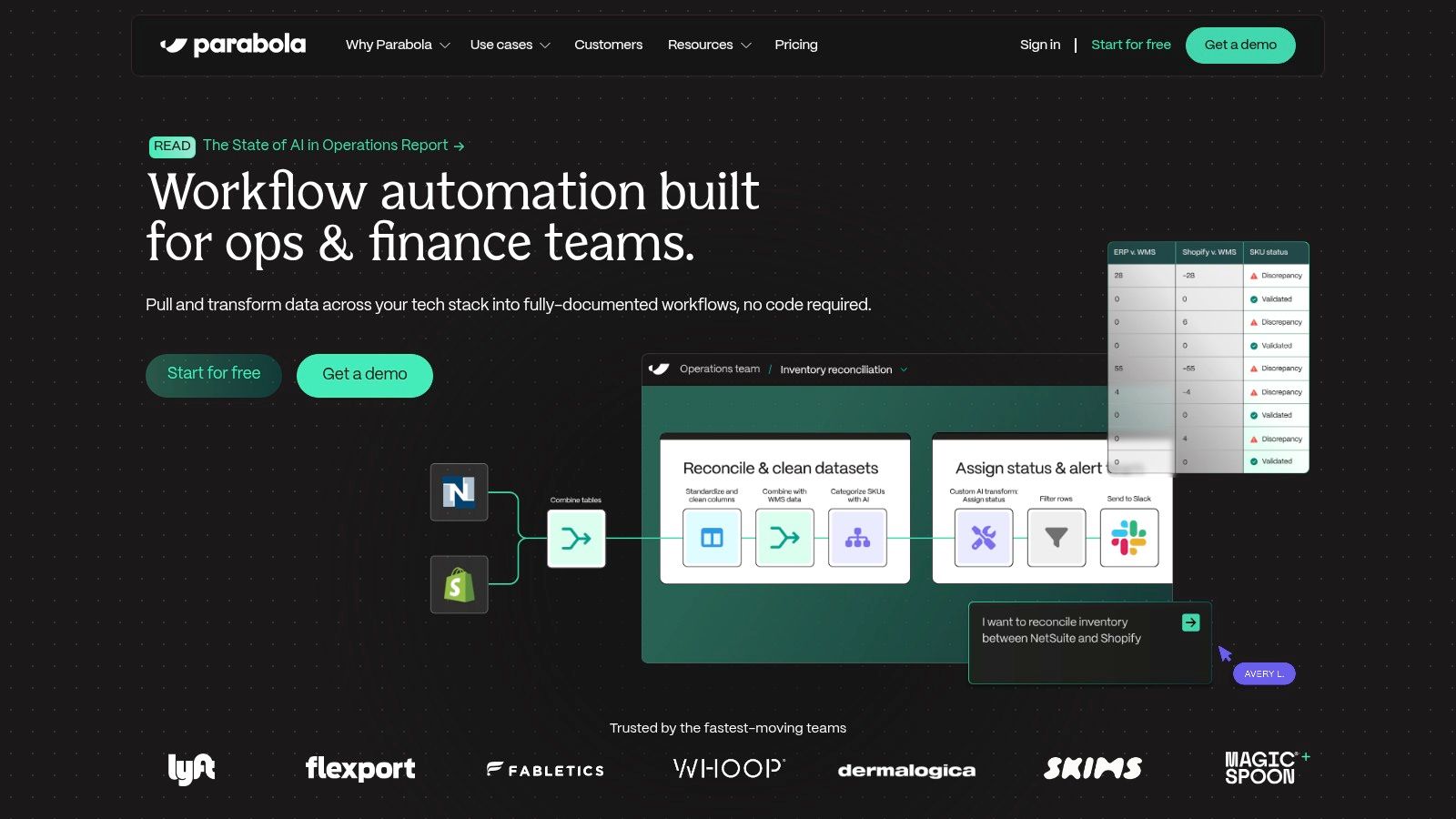
The platform’s drag-and-drop interface lets you pull in data, clean it up, join it with other sources, and export it. For instance, an e-commerce brand can automatically combine Shopify sales data with Facebook Ads spend to create a daily profitability report without needing a full-scale ETL (Extract, Transform, Load) stack.
> Key takeaway: Parabola is the go-to solution for scheduled, data-heavy tasks, especially for e-commerce brands on Shopify or Amazon. It excels at recurring reporting and operational syncs that require data transformation.
Pricing and Core Features
Parabola’s pricing is credit-based, where credits are used for running flows and for AI-powered steps. The more complex or frequent the flow, the more credits it consumes.
- Free Plan: Includes a limited number of credits for small-scale flows and a single user.
- Team: From $800/month (billed annually) for more credits, unlimited flows, and collaboration features.
- Advanced & Enterprise: Custom pricing provides higher credit allowances, dedicated support, and enterprise security features.
A major strength is its library of e-commerce-centric templates and its native Shopify connector, which simplifies common operational tasks. The primary drawback is its focus; it is less suited for real-time, event-driven automations between apps (like posting a new lead to Slack). High-volume data processing can also become expensive as it consumes credits quickly, so it's important to build efficient flows.
Website: https://parabola.io
10. Pipefy
Pipefy is a no-code process management platform designed to standardize and automate business operations. It differs from trigger-action tools by focusing on structured, multi-stage processes like procurement requests, employee onboarding, or customer support escalations. This makes it one of the best workflow automation software choices for teams that need to orchestrate complex, cross-departmental tasks with clear governance and visibility.
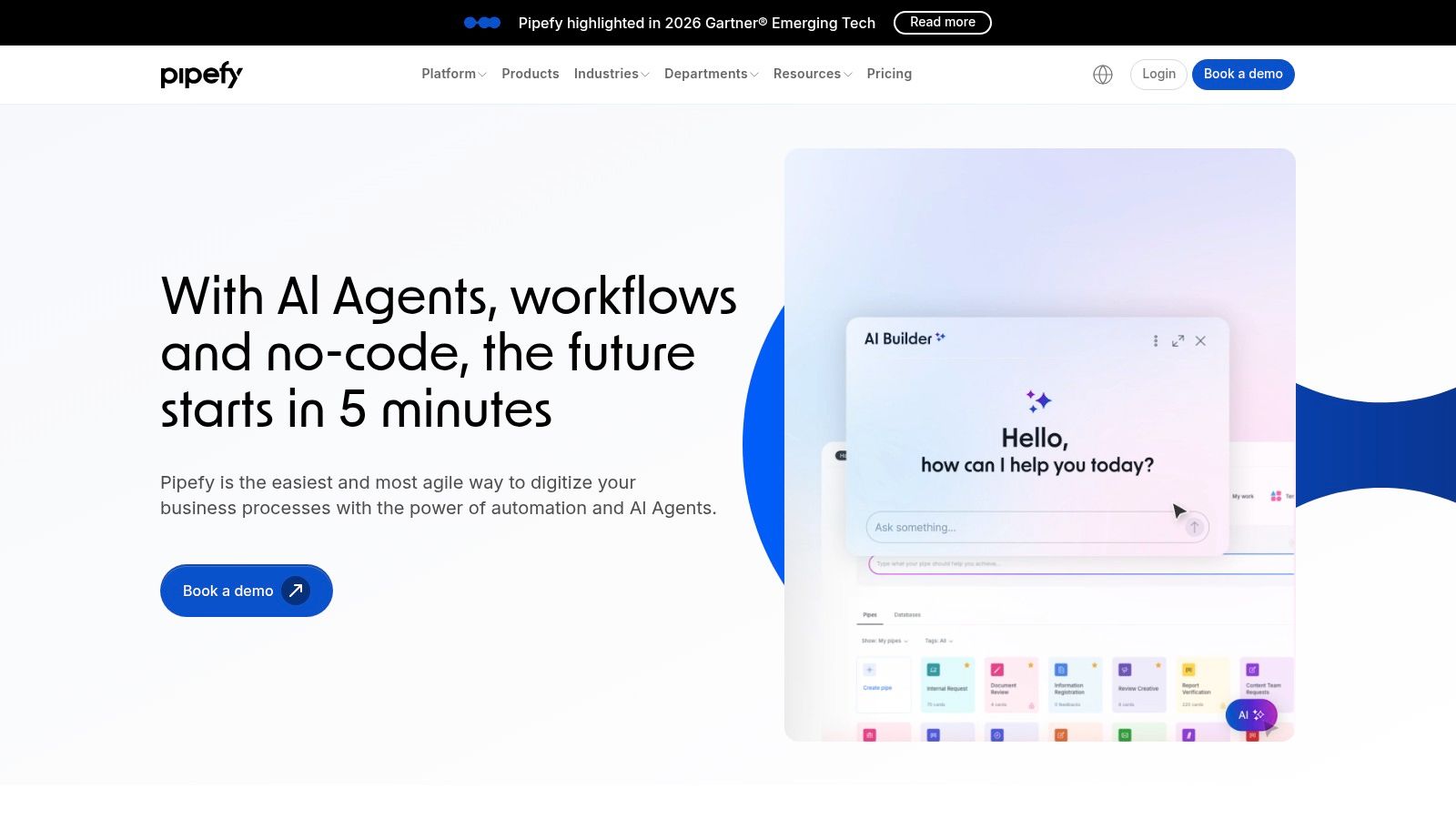
The platform’s template-driven approach lets you quickly deploy pre-built workflows for common business functions in HR, Finance, and IT. An HR team, for example, can use a Pipefy template to manage the entire hiring process from application submission to final offer, with automated emails and task assignments at each stage.
> Key takeaway: Pipefy excels at bringing order to chaotic, manual business processes. It's ideal for organizations that want to enforce standard operating procedures and track progress on internal requests without building solutions from scratch.
Pricing and Core Features
Pipefy’s pricing model is user-based, with plans designed for different business sizes and process complexity needs.
- Free Plan: Includes one workflow template for up to 10 users, suitable for a single team testing the platform.
- Business: From $38/user/month (billed annually), offering unlimited customizable workflows, automations, and integrations.
- Enterprise: Custom pricing for large organizations requiring advanced security like SSO, dedicated support, and higher API limits.
- Unlimited: A sales-assisted plan that provides full platform access with expert support and services.
A potential drawback is that much of its pricing is sales-assisted, which can make it difficult to quickly estimate costs. However, its strengths in governance, advanced permissions, and clear process tracking make it a strong candidate for scaling companies that need to formalize how work gets done across departments.
Website: https://www.pipefy.com
11. Kissflow (Workflow/Process)
Kissflow targets internal business process automation with a unified low-code platform designed for operations teams. It stands out by combining process management, project management, and case management into a single environment, making it a strong contender for companies looking to digitize core operations. This approach makes it one of the best workflow automation software choices for creating structured, internal applications for things like employee onboarding, procurement requests, or IT helpdesks.
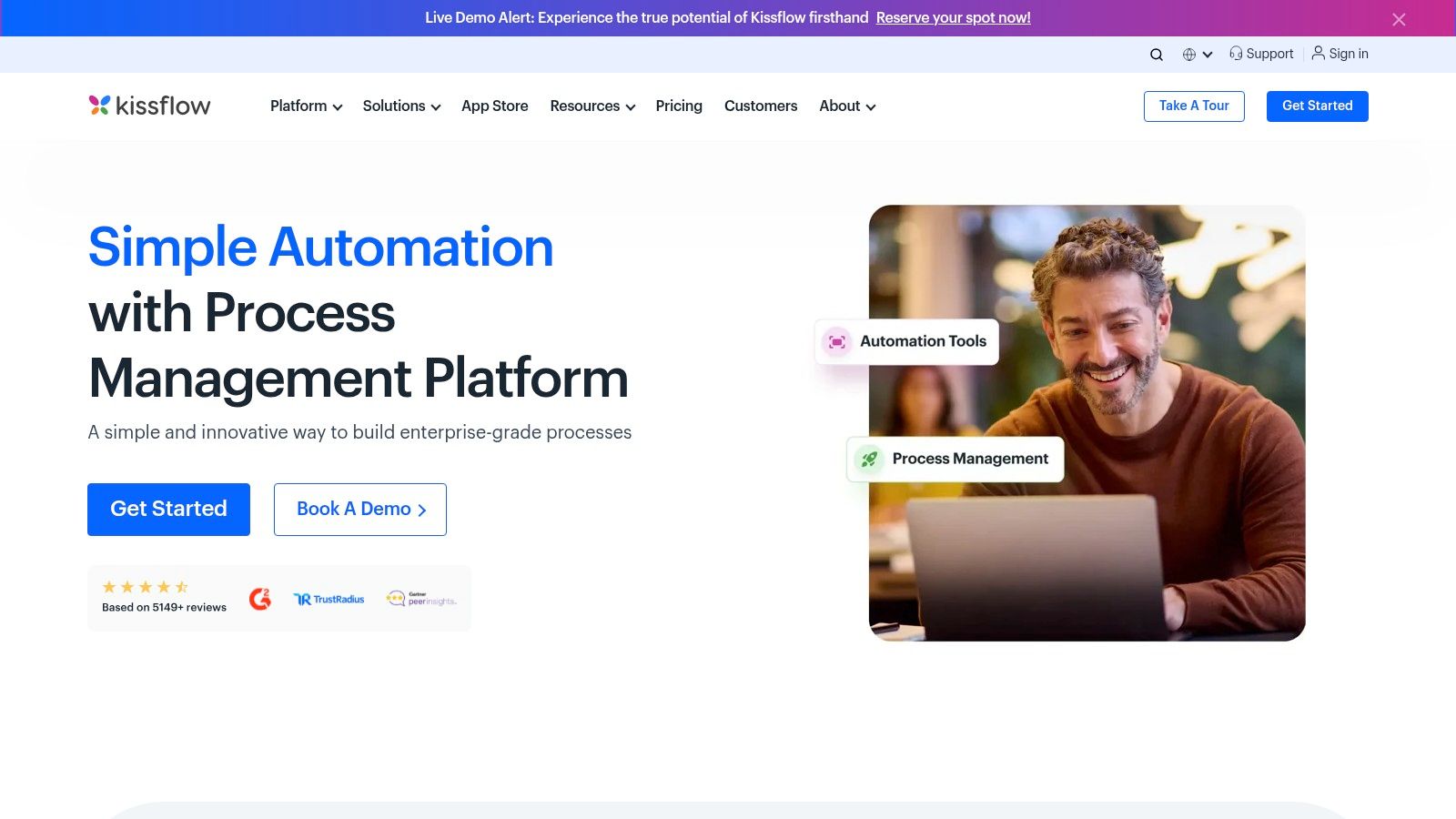
The platform is built around a visual workflow designer where users can map out process steps, create forms with custom fields, and define rules without deep technical knowledge. For an operations manager, this means they can build and deploy a capital expenditure approval app themselves, complete with role-based access controls and clear audit trails.
> Key takeaway: Kissflow is excellent for organizations that need to build and manage structured internal processes with a focus on governance, user-friendly forms, and process modeling. It is less about connecting hundreds of external SaaS apps and more about building robust internal systems of record.
Pricing and Core Features
Kissflow’s pricing is primarily quote-based and tailored to organizational needs, reflecting its enterprise focus. It typically involves a per-user, per-month subscription model.
- Small Business & Corporate: Custom pricing plans are available upon request. These tiers offer access to the full platform, including unlimited processes and apps, but vary by the number of users and level of support.
- Enterprise: A bespoke plan with advanced security, dedicated account management, and professional services for complex implementations.
A key strength is its all-in-one nature; you get forms, workflows, reporting, and collaboration tools without needing separate products. However, a significant drawback is the lack of public pricing, which requires a sales call to get a quote. While it offers connectors, its library is not as extensive as pure iPaaS tools, making it less ideal for scenarios requiring intricate, developer-heavy integrations with a wide array of niche external services.
Website: https://kissflow.com/workflow/process
12. Airtable (Automations)
Airtable evolves the spreadsheet into a powerful database-application hybrid, and its native Automations feature turns it into a self-contained workflow engine. Unlike external tools that connect separate apps, Airtable Automations trigger multi-step workflows directly from data changes within its own "bases." This makes it an exceptional choice for teams in marketing operations, content production, and product management who need their data, custom user interfaces, and workflows to exist in a single, cohesive environment.
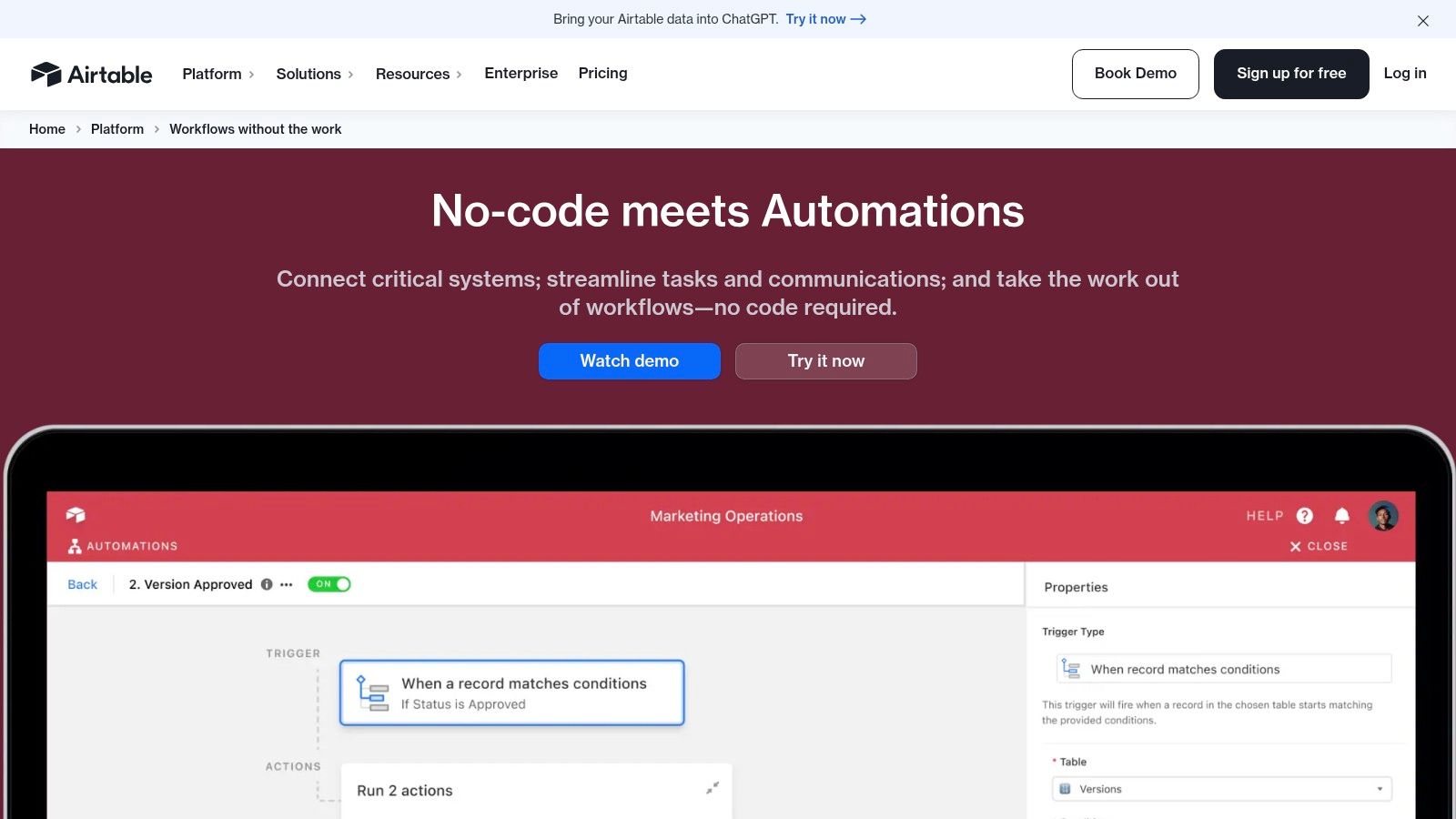
The platform shines when process is tied to structured data. For example, when a content creator updates a record's status to "Ready for Review" in a content calendar base, an Airtable Automation can instantly post a notification in a specific Slack channel and create a task in a project manager's to-do list.
> Key takeaway: Airtable is the best workflow automation software for data-centric processes where the workflow, data, and user interface (via its Interfaces feature) need to be tightly coupled. It’s perfect for building internal tools and departmental systems quickly.
Pricing and Core Features
Airtable's pricing is user-based, with automation limits tied to each plan. "Runs" are executions of an automation.
- Free Plan: Includes 100 automation runs/month.
- Team: From $20/user/month (billed annually), increasing to 25,000 runs/month per workspace.
- Business: From $45/user/month, offering 100,000 runs/month and advanced governance features.
- Enterprise: Custom pricing provides the highest limits, up to 500,000 runs/month, and premium security controls.
A notable strength is keeping data and logic in one place, which simplifies process management for things like CRMs or project trackers. A key limitation, however, is that its automation run and concurrency limits can be a bottleneck for high-volume or enterprise-wide use cases. Complex, cross-stack orchestrations involving many external systems may still demand a dedicated integration platform.
Website: https://airtable.com/product/automations
Top 12 Workflow Automation Tools Comparison
| Platform | Core features | Unique selling points (✨) | Quality & UX (★) | Pricing & Value (💰) | Target audience (👥) |
|---|---|---|---|---|---|
| SynthAI 🏆 | Orchestrated AI team (Nexus + 10 assistants); pre-built workflows; real-time analytics | ✨ Context-aware orchestration; Social Pilot; HD video add‑ons | ★★★★★ | 💰 Credit tiers; Starter ~$39; Pro ~$97; Enterprise custom; 7–14d trial | 👥 E‑commerce founders, marketing teams, agencies, SaaS |
| Zapier | 8,000+ apps; multi-step Zaps, paths, webhooks | ✨ Massive integration library; fast setup | ★★★★☆ | 💰 Task-based; free → paid; predictable overage controls | 👥 SMBs, non‑dev teams, rapid automations |
| Make (Integromat) | Visual scenario builder; routers/filters; JS/Python | ✨ Fine-grained parallelization & data transforms | ★★★★☆ | 💰 Credit-based; scalable to millions of ops | 👥 Power users, ops teams, complex workflows |
| n8n | Self-hostable nodes; execution metering; unlimited users | ✨ Open-source & privacy-first; on‑prem options | ★★★★☆ | 💰 Execution-based (cloud or self-host) | 👥 Dev teams, privacy/security-focused orgs |
| Workato | Enterprise iPaaS: recipes, API mgmt, lifecycle & governance | ✨ Agentic orchestration + enterprise controls | ★★★★★ | 💰 Usage + sales-assisted; enterprise pricing | 👥 Large enterprises, IT & automation teams |
| Microsoft Power Automate | Cloud flows + desktop RPA; process mining | ✨ Deep Microsoft 365 / Azure integration | ★★★★☆ | 💰 Per-user / per-bot licensing; complex matrix | 👥 Microsoft-centric orgs, enterprises |
| Tray.io (Tray.ai) | 600+ connectors; connector SDK; role-based access | ✨ Merlin Agent Builder for governed AI agents | ★★★★☆ | 💰 Sales-assisted; task-metered plans | 👥 Revenue/ops teams, ISVs, embedded integrations |
| UiPath | Automation Cloud, Orchestrator, IDP, process mining | ✨ Mature RPA + broad automation toolkit | ★★★★★ | 💰 Enterprise licensing; sales-led | 👥 Large enterprises, legacy UI automation |
| Parabola | Drag-and-drop data pipelines; Shopify connector | ✨ Ecommerce-focused transforms & templates | ★★★★☆ | 💰 Credit-based; tailored for scheduled ETL | 👥 Ecommerce brands, RevOps, non-engineers |
| Pipefy | Template-driven processes; automations; SSO & RBAC | ✨ Easy cross-department process standardization | ★★★☆☆ | 💰 Sales-assisted; enterprise options | 👥 Ops, procurement, HR, finance teams |
| Kissflow | Low-code workflow designer; forms, apps & RBAC | ✨ Friendly UX for internal apps and training | ★★★★☆ | 💰 Sales-assisted; enterprise plans & services | 👥 Ops teams, departments standardizing processes |
| Airtable (Automations) | Bases + Interfaces + Automations; native integrations | ✨ Data, UI & automations in one workspace | ★★★★☆ | 💰 Plan-capped automations; affordable tiers | 👥 Marketing ops, product teams, content calendars |
How to Choose the Right Automation Software for Your Business
Selecting the ideal platform from a sea of powerful options can feel like a final boss battle. We've explored a dozen of the best workflow automation software solutions, from the visual canvas of Make to the enterprise-grade power of Workato and the self-hosted flexibility of n8n. Each tool presents a unique approach to connecting your apps and eliminating manual work. The final choice doesn't come down to finding a single "best" tool, but rather the right tool for your specific operational DNA.
Your journey began with a desire to reclaim time and reduce errors. Now, armed with detailed insights into platforms like Zapier, Pipefy, and Airtable Automations, you can make a strategic decision. Remember that the perfect solution for a Shopify store owner managing inventory will differ significantly from what a B2B SaaS company needs for lead nurturing, or what a digital agency requires for client reporting.
A Framework for Your Final Decision
Before you commit to a subscription, take a step back and map out your core needs. A rushed decision can lead to a tool that is either too simple for your future growth or too complex and costly for your current problems. Use this framework to guide your selection process.
1. Define Your Core Problem: Start with one or two high-impact, repetitive processes. Are you trying to automate social media content scheduling? Sync customer data between your CRM and email marketing platform? Or perhaps you need to automate complex financial reporting, like the scenarios where Parabola excels. Be specific.
2. Assess Your Technical Comfort Zone: Your team's technical skill is a major factor.
- No-Code Simplicity: If your team is non-technical, platforms like Zapier and Kissflow offer the most straightforward, user-friendly experience. Their linear, trigger-and-action models are easy to grasp.
- Visual, Low-Code Power: For those comfortable with a bit more complexity for greater control, Make and n8n provide visual builders that allow for intricate, multi-step workflows with branching logic, all without writing code.
- Developer-Centric & Enterprise: If you have developers on staff or need to handle immense data volumes and mission-critical operations, tools like Workato, Tray.io, and UiPath offer the robust architecture, security, and API capabilities required.
3. Audit Your Existing Tech Stack: List every application you rely on daily. Check the integration libraries of your top contenders. While most platforms offer thousands of connections, ensure your must-have apps have deep, well-supported integrations with the triggers and actions you actually need. A platform having a "Salesforce integration" is useless if it can't trigger the specific event you want to automate.
Implementation: Start Small, Think Big
Once you've made your choice, the real work begins. Successful automation is an iterative process, not a one-time setup.
- Start with a Pilot Project: Don't try to automate your entire business on day one. Pick a single, low-risk workflow. This allows you to learn the platform's quirks and demonstrate a quick win to your team, building momentum and buy-in for future projects.
- Document Everything: Create a simple record of what each automation does, which apps it connects, and who is responsible for it. This "automation directory" is invaluable for troubleshooting and prevents confusion as your automated ecosystem grows.
- Consider Total Cost of Ownership (TCO): Your subscription fee is only part of the cost. Factor in the time your team will spend building, maintaining, and troubleshooting workflows. A slightly more expensive tool that saves your team hours of frustration each month often has a lower TCO.
Choosing the best workflow automation software is a strategic move that pays dividends in efficiency, accuracy, and team morale. It's about empowering your team to focus on high-value work that drives growth, not on the repetitive tasks that drain their energy. Take the insights from this guide, apply them to your unique context, and build a more productive, automated future for your business.
Ready to build sophisticated AI-powered automations without the enterprise-level complexity or cost? SynthAI is designed for businesses that need to move beyond simple triggers and actions, offering advanced data processing and AI capabilities in an accessible low-code environment. Start automating the complex workflows you thought were out of reach and see how our platform can become your unfair advantage. Explore SynthAI today.
Ready to Transform Your Business with AI?
Build your AI team and start automating your marketing today.